Private AI for iPhone

Your AI workspace. Private on your device.

Tomis keeps conversations, files, memories, and project data encrypted on your device. Connect your own Ollama or OpenAI-compatible endpoint, or choose Tomis Cloud for managed private AI hosted in Europe.

  • Encrypted local workspace
  • Your models and endpoints
  • Optional EU-hosted cloud
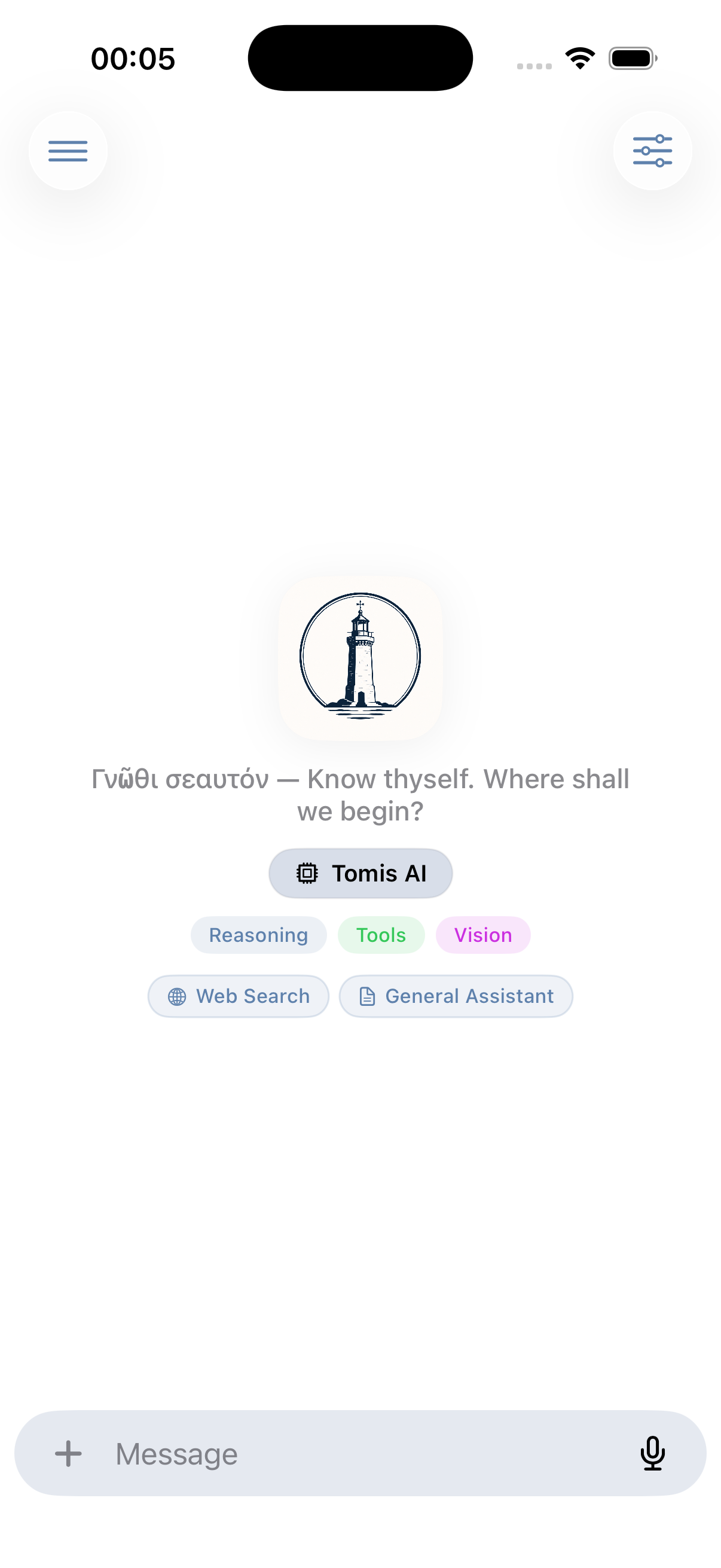
Tomis app showing its private AI conversation start screen
Local firstEncrypted app data
Your choiceLocal, hosted, or Tomis Cloud

Private by architecture

Your device is the home base.

Tomis separates the private workspace on your device from the AI service you choose. Your conversations stay organised and encrypted in the app; each request goes only to the endpoint selected for that conversation.

On your device

Private workspace

Conversations, files, memories, profiles, and project content are stored locally with encryption. Credentials and encryption keys stay in the Apple Keychain.

  • Encrypted local database and files
  • Incognito conversations that do not sync
  • Optional iCloud sync of encrypted records
Your infrastructure

Local or self-hosted AI

Point Tomis at Ollama on your own network, LM Studio, vLLM, or another compatible endpoint. The model runs where you operate that service; Tomis remains the encrypted native client on your device.

  • Native Ollama API support
  • OpenAI-compatible local servers
  • Your network, credentials, and model policy
Optional cloud

Tomis Cloud or your provider

Choose Tomis Cloud for a managed private AI service hosted in Europe, or connect another hosted Ollama or OpenAI-compatible provider. Cloud use is a connection choice, not a requirement for the app.

  • Tomis Cloud with Sign in with Apple
  • Managed models, search, images, and speech
  • OpenRouter, EU Router, Ollama Cloud, and others

Conversations

A native workspace for every model.

Work from one encrypted app whether the model is on your own network, behind your chosen provider, or managed by Tomis Cloud. Stream answers, attach images, PDFs, and documents, and keep the full history locally.

  • Fork any conversation into a new direction
  • Search, label, and organise long-running work
  • Keep memories available across conversations

Reasoning

Control how deeply models think.

Set reasoning effort per conversation and choose whether thinking stays collapsed or visible. Tomis adapts the control to the capabilities of the selected Ollama, OpenAI-compatible, or Tomis Cloud model.

  • Conversation-level thinking controls
  • Expandable reasoning presentation
  • Fast and capable model defaults

Device-aware tools

Ask, plan, and act from the same conversation.

Tomis connects the selected model to permission-aware tools. Calendar access stays on the device; Maps and WeatherKit are explicit Apple service integrations with their own disclosed privacy boundary.

Maps & routes

Find nearby places and build driving, walking, transit, and multi-stop routes with Apple Maps.

Weather

Bring current, hourly, and daily Apple Weather forecasts into plans and everyday questions.

Calendar

Read schedules, find free time, and approve creating, updating, or deleting events.

Web search

Search the live web and keep source links alongside the answer.

Obsidian

Search, read, create, and update notes in linked vaults.

Canvas & memories

Turn answers into visual canvases and retain useful facts across conversations.

You control access. Apple Maps and WeatherKit require Allow Non-European Access; external providers use their own infrastructure and terms.

Encrypted collaboration

Group chats and projects, without handing over the keys.

Organise conversations, files, memories, and instructions into projects, then share them as encrypted group spaces. Every member is approved by the owner, group messages sync in near real time, and AI replies use each member's own configured provider.

End-to-end encryptedEach shared project has its own key, wrapped for approved devices, verified against the owner's identity, and ratcheted forward when a member's access is revoked.
Local projects stay localShared projects use Apple CloudKit and require Allow Non-European Access. Project content is encrypted before upload, but Apple service metadata and infrastructure are outside Tomis's European guarantee.

Tomis Cloud

Optional private cloud AI, hosted in Europe.

When you want a managed connection, sign in with Apple and use Tomis Cloud without configuring endpoints. Inference, image generation, web search, and cloud speech-to-text use services hosted in Europe behind one Tomis connection, operated by a Swiss company under GDPR and Swiss data-protection obligations.

AI services based in Europe

Image generation

Generate images inside a conversation. Results return to Tomis and can be stored with your encrypted app data.

AI services based in Europe

Web search

Search a European web index and keep sourced result cards beside the answer instead of losing the trail in a generic summary.

AI services based in Europe

Speech to text

Transcribe recordings and use real-time transcription for live speech and meeting workflows.

One live model catalogue

Managed models

Tomis selects primary and background models by role, so chat, vision, tools, and background tasks use the right route automatically.

European cloud when chosen. Local encryption always.

Tomis Cloud uses data minimisation across authentication, routing, metering, and security. Only the request content needed for the selected cloud feature leaves the app; your local conversation store and project encryption remain on your devices.

Built into Tomis

One conversation. The tools to finish the work.

Each capability stays inside the same native, encrypted workflow. Tomis Cloud features use the managed European AI path; Apple integrations and providers you connect retain their own service boundaries.

Speech to text · Meeting Mode

From live conversation to clear next steps.

Meeting Mode streams speech into live captions through Tomis Cloud. Translate finalized transcript segments as people speak, then turn the complete meeting into a concise summary and structured notes when it ends.

  • Real-time speech transcription
  • Optional translation into your chosen language
  • Summaries, decisions, follow-ups, and action items

Image generation

Describe it. Generate it. Refine it in chat.

Create images without leaving the conversation. Ask for an illustration, photograph, concept, or visual variation; Tomis returns the image inline and understands follow-up corrections.

  • Generated through Tomis Cloud AI services based in Europe
  • Reference-image and revision workflows
  • Save results with your encrypted app data

Labels & conversation search

Find the conversation, not the date you had it.

Tomis can name a conversation and assign matching labels automatically from your own label set. Search conversation text, narrow results by label, and keep work, research, code, ideas, and personal threads easy to retrieve.

  • Automatic titles and labels
  • Manual labels remain under your control
  • Search and filter across conversations or within a project

Obsidian

Bring the vault you already use.

Attach one or more Obsidian vaults from the Files picker. Tomis can search and open relevant Markdown, inspect linked images and PDFs, and help update the knowledge base in place instead of copying it into a separate silo.

  • Search notes, backlinks, images, and PDFs
  • Create, append, update, move, and delete Markdown notes
  • Save conversation attachments into a selected vault

On-device file access. Only selected note content enters the model context you approve.

Places, POIs & routes

Turn points of interest into a route you can use.

Ask for nearby places or search for a specific point of interest, then build point-to-point or multi-stop routes directly in chat. Tomis displays the places and route in the conversation before handing navigation to Apple Maps.

  • Nearby POIs with useful place details
  • Driving, walking, transit, and multi-stop planning
  • Inline maps, distance, duration, and Apple Maps handoff

Requires Allow Non-European Access. Apple Maps and geocoding may process request and connection data outside Europe.

Calendar

Plan around the calendar you already have.

Read calendars and upcoming events, find free time, and create, update, or delete events from natural language. Write operations stay permission-aware and visible before they change your schedule.

  • Read schedules and find free slots
  • Create, update, and delete events with approval
  • Understand and summarize .ics invitations

Tomis works through the device EventKit store. A calendar account may separately sync through its configured provider.

WeatherKit

Put live weather inside the plan.

Tomis uses Apple Weather through WeatherKit for current conditions plus hourly and daily forecasts. Ask about a destination, combine the forecast with a route or event, and keep the attributed result beside the conversation.

  • Current, hourly, and daily Apple Weather data
  • Location-aware forecasts inside chat
  • Weather results persist with the conversation

Requires Allow Non-European Access. WeatherKit is an Apple service outside Tomis Cloud’s European guarantee.

Built-in skills

Start with the right kind of help.

Choose one of twelve focused assistants or let Tomis route a conversation automatically.

  • General Assistant
  • Research Assistant
  • Document Analyst
  • Creative Writer
  • Meeting Summarizer
  • Data Extractor
  • Learning Tutor
  • Messages & Email Writer
  • Trip Planner
  • Language Coach
  • Concise
  • Caveman Mode

Privacy by architecture

Private data on your device. Clear boundaries beyond it.

Tomis is local-first. Conversations, project content, files, and memories are encrypted on your devices. Content records for synced profiles and shared projects are encrypted before iCloud upload, while provider credentials live in the Keychain. Optional Auto Key Sync can make a profile key available through your private iCloud account.

Encrypted local workspace.
Your endpoint, your choice.
European cloud when selected.

On your device

Local encrypted workspace

Conversations, files, memories, credentials, local projects, selected Obsidian vaults, and Calendar access stay under device controls.

Explicit opt-in

Allow Non-European Access

Required for iCloud Sync, shared projects, Apple Maps places and routes, embedded maps, geocoding, and WeatherKit. Apple may process service metadata outside Europe.

Your configuration

External AI providers

Providers and tools you connect use their own infrastructure, terms, retention, and processing locations.

Read the complete Privacy Policy

Tomis for iPhone

Bring your work. Keep control.

Use Tomis Cloud in Europe, connect your own compatible provider, or stay local with Ollama.

Download on theApp StoreRequires iOS 17 or later
macOS is coming soon